
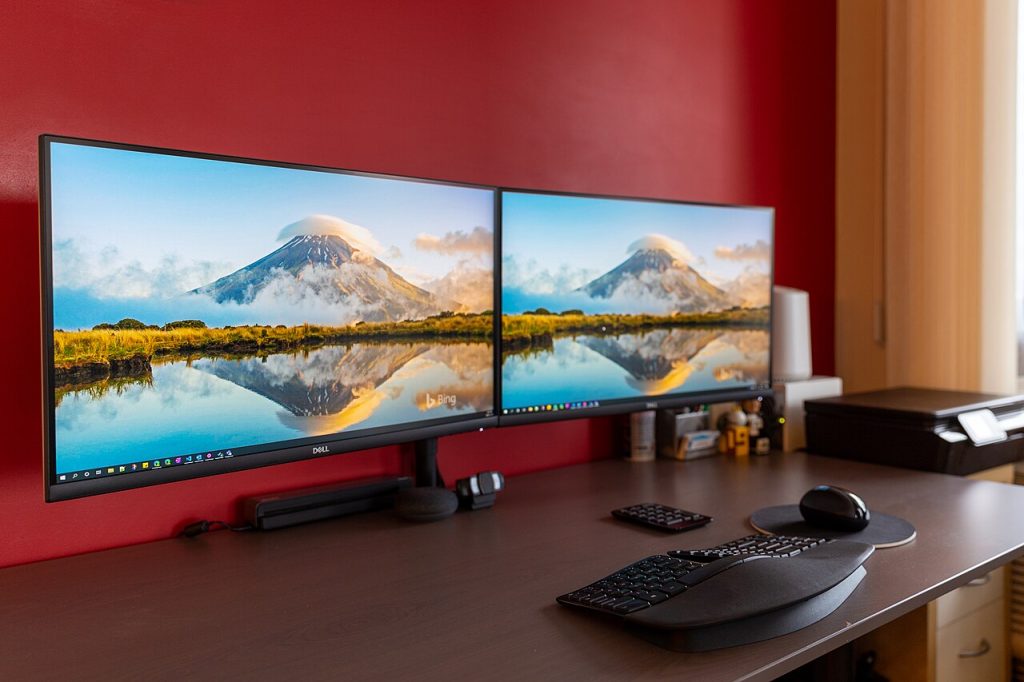
An exhaustive analysis of panel technologies, visual ergonomics, resolution, and connectivity to help you get it exactly right when choosing between workplace productivity monitors and gaming displays.
We spend eight to ten hours a day with our eyes fixed on it, and yet the computer monitor is usually the most neglected component in a desk setup. Choosing the wrong screen not only undermines our productivity or gaming experience, but is also a direct cause of eye strain, headaches, and neck discomfort.
Today’s monitor market covers a wide variety of technologies with very well-defined purposes: IPS, VA, OLED, and Mini-LED panels, Ultrawide panoramic formats, and adaptive sync technologies. We break down which panel to choose based on your primary use: office work and remote working, or gaming sessions.
1. Current panel technologies and their characteristics
A) IPS panels (In-Plane Switching): The balanced standard
This is the most widespread technology and the favourite choice for the vast majority of office, design, and programming users:
- Strengths: Superior colour fidelity from any viewing angle (178° with no colour shift), excellent sharpness when rendering typographic fonts, and great brightness uniformity. Modern variants known as Fast IPS have reduced response times to a real 1 ms, eliminating blur in games.
- Limitations: Their native static contrast is moderate (around 1,000:1, or 1,200:1 in IPS Black). In completely dark rooms, black scenes tend to look greyish, and you may notice the phenomenon known as IPS glow (a slight whitish glow in the corners depending on the angle).
B) VA panels (Vertical Alignment): Contrast depth and curves
Vertical alignment panels stand out for their ability to block backlight:
- Strengths: Outstanding static contrast (between 3,000:1 and 5,000:1), achieving far deeper blacks than IPS. It is the panel type most commonly used in immersive curved panoramic-format monitors.
- Limitations: Narrower viewing angles (colour washes out if you aren’t sitting directly in front of it) and slower pixel transitions in dark tones, which produces the annoying black smearing effect (dark trails or blurry shadows behind fast-moving objects in dark games).
C) OLED and QD-OLED panels: The pinnacle of visual quality
Self-emissive technology has made the definitive leap from televisions to desktops:
- Strengths: Pixels that switch off completely, generating infinite contrast, pure blacks, and an HDR experience unattainable by any LCD. An almost instantaneous response time (0.03 ms GtG), delivering the greatest motion clarity on the market in games at 144Hz–240Hz.
- Limitations: A high price and the need to manage panel maintenance against static retention (burn-in). In first-generation models, the triangular or non-standard subpixel layout could cause slight colour fringing on thin text in Windows, an issue notably resolved in recent panel generations (QD-OLED Gen 3 and WOLED MLA).
D) Mini-LED: The power of brightness without the risks
It combines an LCD panel (IPS or VA) with thousands of micro-LEDs divided into hundreds of independent dimming zones (FALD). It is the best option for anyone looking for dazzling HDR (1,000 to 1,400 nits) in very bright rooms, without worrying about leaving spreadsheets static on screen for hours.
PC Monitor Catalog at PcComponentes
Find IPS displays for office work and productivity, well-balanced VA panels, or high-refresh-rate OLED monitors (144Hz - 240Hz) at the most competitive prices on the market.
* Official affiliate link via Awin. You support our work at no extra cost to your purchase.2. Resolution and size: The key to pixel density (PPI)
Visual sharpness depends not only on resolution, but on the relationship between the number of pixels and the screen diagonal (pixels per inch, or PPI):
- 24 inches at 1080p (Full HD – ~92 PPI): The basic entry-level standard, and ideal for competitive gaming where the goal is to maximise frames per second without straining the graphics card.
- 27 inches at 1440p (QHD / 2K – ~109 PPI): The absolute sweet spot of today’s market. It offers a workspace 77% larger than 1080p, perfectly crisp text with no need to force Windows scaling, and a manageable load for mid-range graphics cards in games.
- 27 to 32 inches at 4K (UHD – ~140 to 163 PPI): Maximum typographic definition. Letters read as if printed on press paper, making it ideal for extended reading, photo editing, and programming, though it requires scaling the interface to 125%–150%.
- Ultrawide 21:9 format (34 inches, 3440×1440): It more than replaces the need for two traditional monitors, eliminating the central plastic bezel and allowing you to have three work windows open side by side with a natural neck posture.
3. The ideal monitor for office work and productivity
If your priority is the working day—writing reports, programming, or managing data—look for these essential features:
- IPS or IPS Black panel: Text sharpness without artefacts and faithful colours that are easy on the eyes.
- USB-C connection with Power Delivery (65W to 90W): Lets you connect your laptop with a single cable that carries video and data while charging the battery at the same time (see USB-C monitors on Amazon), keeping your desk clutter-free.
- Integrated KVM switch: If you alternate between your work computer and your personal tower, the KVM lets you share the same keyboard and mouse between both machines with just the press of a button on the monitor.
- Certified eye care (TÜV Rheinland): Flicker-Free technology (direct-current backlighting with no invisible PWM flicker) and a low blue light mode (hardware Low Blue Light) to prevent dryness and eye strain after long working days.
- Full ergonomics: A stand with height, tilt, and swivel adjustment, or a mount compatible with a VESA articulated arm on Amazon to free up space and position the screen down to the millimetre.
4. The ideal monitor for gaming
In the world of video games, priorities change depending on the genre you play:
- For esports and competitive shooters (CS2, Valorant, Warzone, Apex): Prioritise an ultra-high refresh rate (165Hz to 240Hz+), a low-latency Fast IPS panel (<1 ms GtG), and technologies like Nvidia G-Sync Compatible or AMD FreeSync Premium to avoid image tearing.
- For adventure, role-playing, and simulation games (Cyberpunk, Elden Ring, Flight Simulator): Visual immersion takes precedence over extreme hertz. An OLED monitor at 144Hz to 175Hz or a 34″ curved Ultrawide at 1440p offers unmatched image depth thanks to true HDR.
5. Technical comparison table of monitor technologies
| Technology | Text Clarity (Office) | Response Time (Gaming) | Contrast / Blacks | Retention Risk | Indicative Price |
|---|---|---|---|---|---|
| IPS / Fast IPS | Excellent (Sharpness benchmark) | Very fast (1 ms on modern models) | Moderate (1,000:1) | None (0%) | €150 – €380 |
| VA | Good | Moderate (with black smearing in dark scenes) | Very good (3,000:1 – 4,000:1) | None (0%) | €140 – €280 |
| OLED / QD-OLED | Good (Improved in Gen 3) | Instantaneous (<0.03 ms absolute) | Infinite (Pixel off) | Low with active maintenance | €650 – €1,200 |
| Mini-LED | Excellent | Fast (depending on base panel) | Outstanding (with FALD dimming) | None (0%) | €450 – €750 |
«For working 8 hours a day with text, the 27″ IPS panel at 1440p with a USB-C port is the king of ergonomics and visual health. For enjoying games with absolute graphical impact, OLED at 144Hz or more opens up a visual dimension with no going back.»
Transparency notice: As an Amazon Associate, I earn from qualifying purchases. This article includes referenced links that come at no additional cost to you and help support the project’s technical content.