
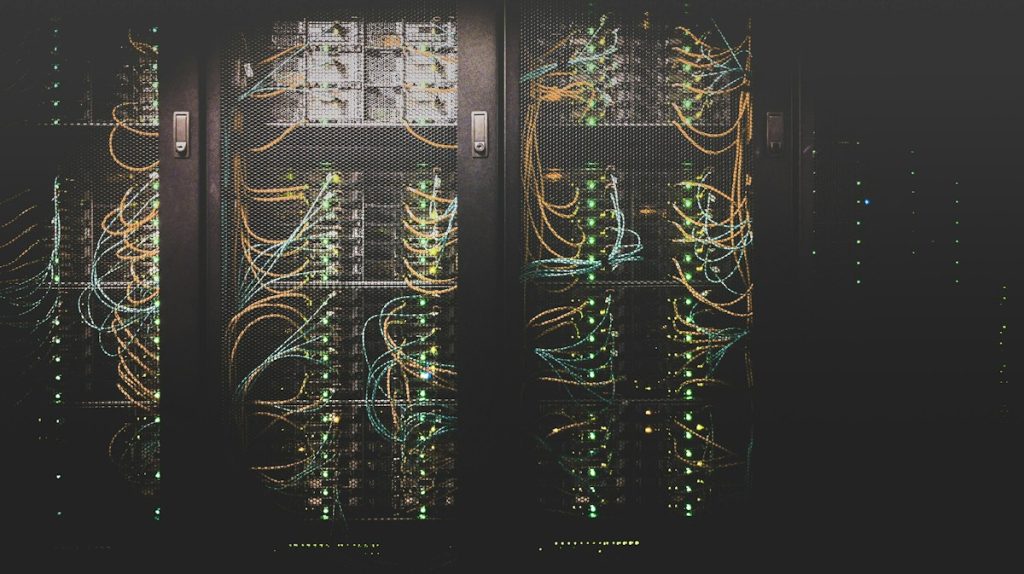
In an era dominated by subscription fatigue, sudden cloud price hikes, and privacy concerns, reclaiming digital sovereignty is no longer just for sysadmins. Setting up your own home server (homelab) allows you to host private cloud storage, password managers, automated backups, and ad-blocking DNS at home, eliminating recurring SaaS fees forever.
1. Hardware Comparison: Mini PC vs. Raspberry Pi vs. Dedicated NAS
Choosing the right hardware is critical to balance energy consumption (since it runs 24/7) with computing performance:
| Hardware Option | Power Draw (Idle) | RAM & Expansion | Transcoding (Plex/Jellyfin) | Best Verdict |
|---|---|---|---|---|
| Mini PC (Intel N100 / N97) | 6W – 12W | Up to 32 GB DDR5 + NVMe | ⭐⭐⭐⭐⭐ Intel QuickSync 4K | The undisputed #1 homelab choice |
| Raspberry Pi 5 (8GB) | 4W – 7W | 8 GB soldered (microSD/HAT) | ⭐⭐ Lacks hardware transcode | Great for lightweight Pi-hole / DNS |
| Commercial NAS (Synology/QNAP) | 15W – 30W | Proprietary expansion | ⭐⭐⭐ Depends on CPU tier | Turnkey but expensive hardware |
| Repurposed Desktop PC | 40W – 80W+ | High expandability | ⭐⭐⭐⭐ Varies by GPU/CPU | High idle electricity cost |
2. The Essential Docker Stack for Every Home Server
Using Docker and Docker Compose ensures each application runs isolated, reproducible, and upgradable with a single command:
- Pi-hole / AdGuard Home: Network-wide DNS sinkhole blocking ads, telemetry, and tracking across all household devices (Smart TVs, mobile phones, consoles).
- Vaultwarden: Lightweight, open-source Bitwarden-compatible password manager running purely on local SQLite.
- Nextcloud: Self-hosted alternative to Google Drive, Dropbox, and Google Photos with automatic mobile camera upload and document collaboration.
- Home Assistant: The ultimate local smart home coordinator, managing Zigbee, Matter, and Wi-Fi devices without relying on third-party cloud servers.
- Uptime Kuma: Self-hosted monitoring dashboard with instant alert notifications via Telegram or Discord when any service experiences downtime.
Intel Alder Lake N100 Mini PC (16GB DDR5, 512GB NVMe)
Ultra-efficient 6W idle power consumption, dual 4K HDMI, Gigabit LAN, and hardware QuickSync video decoding. The perfect silent powerhouse for Proxmox, Docker, and Home Assistant.
* As an Amazon Associate, Trebellos earns from qualifying purchases.3. Solid Storage & Safe Remote Access (Tailscale & Cloudflare Tunnel)
Never forward raw router ports (such as port 80 or 443) directly to your home network without proper isolation. Instead, combine:
- Tailscale (Zero-Config Mesh VPN): Access your internal homelab securely from anywhere in the world using WireGuard encryption without port forwarding.
- Cloudflare Tunnels: Safely expose public webhooks or specific HTTPS domains through Cloudflare edge protection without revealing your domestic residential IP.
Transparency Notice: This article contains affiliate recommendation links. As an Amazon Associate, we earn from qualifying purchases at zero extra cost to you. We only recommend hardware and setups proven through real-world homelab experience.